Uploading the correct photograph is one of the most important steps when applying for an Indian e-Visa. Every year, thousands of applications are delayed or rejected because the uploaded photo does not meet the official specifications.
Understanding the latest India eVisa photo requirements can help you avoid common mistakes and improve the chances of a successful application. This guide explains the official photo specifications, acceptable formats, and practical tips to ensure your application is completed correctly.
If you're planning a trip to India, review these requirements carefully before you apply online India visa.
Why Your eVisa Photo Matters
Your photograph is used by immigration authorities to verify your identity during the visa application process.
An incorrect photo may result in:
- Application delays
- Additional document requests
- Upload errors
- Visa rejection
Following the official specifications from the beginning helps avoid unnecessary complications.
Official India eVisa Photo Requirements
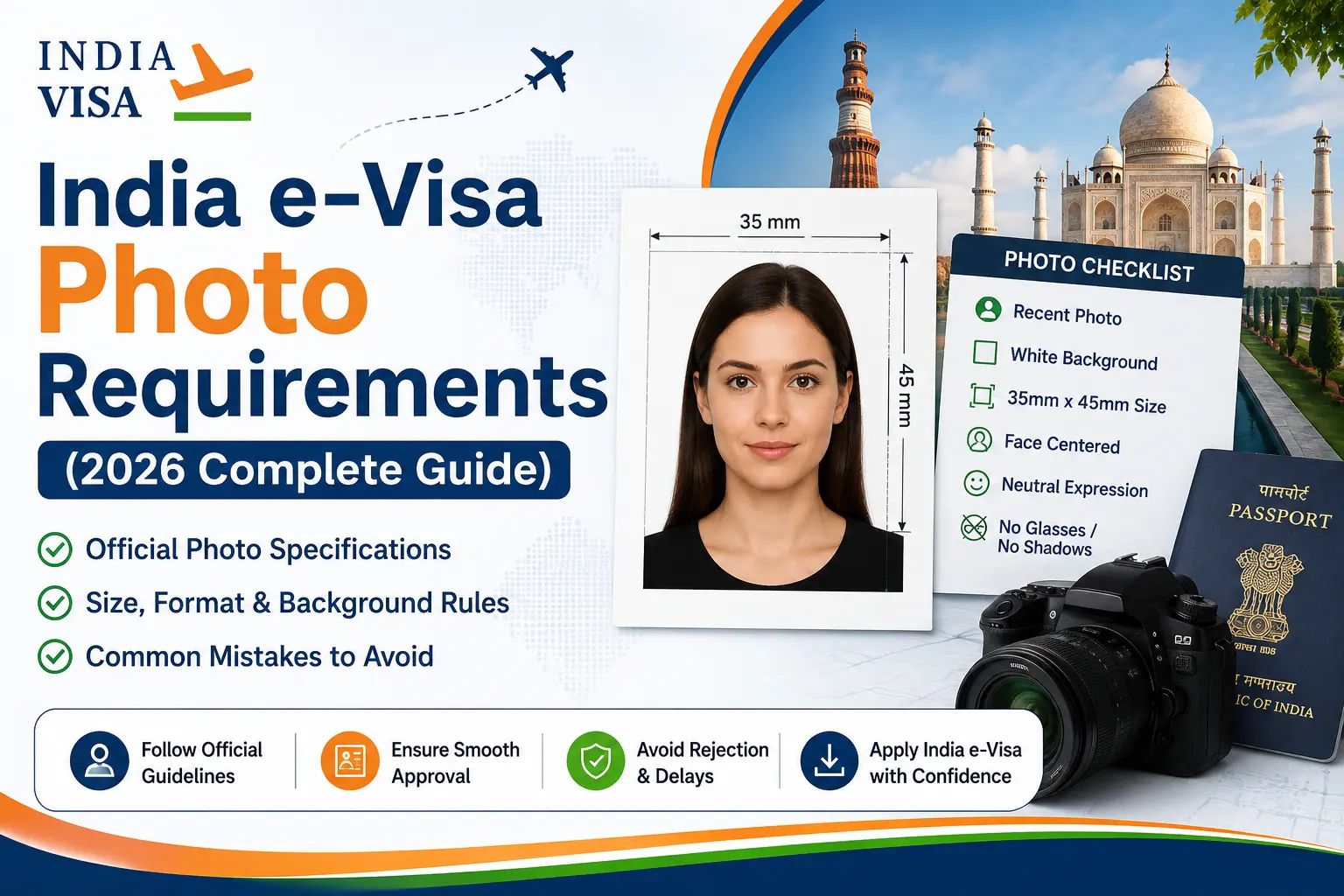
According to the Government of India's e-Visa guidelines, your digital photo should meet the following specifications:
India eVisa Photo Size
One of the most common questions concerns the India eVisa photo size.
The official portal requires:
- JPEG image
- Minimum file size: 10 KB
- Maximum file size: 1 MB
- Equal height and width (square photo)
If the image exceeds the maximum file size or is uploaded in another format, the application system may reject it.
Background Requirements
Your photograph should have:
- Plain white background
- Light-colored background
Avoid:
- Busy backgrounds
- Outdoor scenery
- Colored walls
- Furniture or objects behind you
The background should help your face remain clearly visible.
Face Position and Expression
For your application photo:
- Look directly at the camera.
- Keep your face centered.
- Keep both eyes open.
- Maintain a neutral expression.
- Ensure your entire face is visible.
Avoid tilting your head or looking away from the camera.
Can You Wear Glasses?
The official guidance specifies that the photo should be taken without spectacles.
Also avoid:
- Sunglasses
- Tinted lenses
- Anything covering the eyes
Your eyes should be fully visible in the uploaded photograph.
Lighting Tips
Good lighting improves photo quality.
Use:
- Natural daylight
- Even lighting
- Soft indoor lighting
Avoid:
- Flash reflections
- Heavy shadows
- Dark rooms
- Bright backlighting
A clear image makes identity verification easier.
Common Photo Mistakes That Cause Rejection
Many applicants submit photos that do not meet the required specifications.
Common mistakes include:
Wrong File Format
Uploading PNG, HEIC, or other formats instead of JPEG.
Large File Size
Submitting images larger than the permitted limit.
Dark Background
Using colored or patterned backgrounds.
Blurry Images
Low-resolution photos are often rejected.
Face Not Centered
The entire face should be visible and properly aligned.
Wearing Sunglasses or Spectacles
Eyes must remain clearly visible.
Correcting these issues before uploading can help prevent delays.
Passport Copy Requirements
Along with your photograph, applicants are generally required to upload a scanned copy of the passport bio page.
Typical requirements include:
- PDF format
- File size between 10 KB and 300 KB
- Clearly readable personal details
- Passport photo page only
Additional documents may be required depending on your visa category.
Tips Before Uploading Your Photo
Before submitting your application:
- Check the image format.
- Verify the file size.
- Confirm the background is plain.
- Ensure your face is centered.
- Review the image on a larger screen before uploading.
Taking a few extra minutes to review your photo can help avoid unnecessary application problems.
Frequently Asked Questions
Can I take my India eVisa photo with a smartphone?
Yes. A smartphone photo is generally acceptable if it meets the official specifications regarding quality, lighting, background, format, and file size.
Can I smile in my photo?
A neutral facial expression is recommended to ensure clear identification.
Can I edit the background?
Minor background adjustments may be acceptable if the final image accurately represents your appearance and complies with the official requirements. Avoid excessive editing or filters.
What happens if my photo is rejected?
Your application may be delayed, or you may be asked to upload a new photograph. In some cases, applications may be rejected if the submitted image does not comply with the official specifications.
Apply Online India Visa Successfully
When you apply online India visa, your photograph is one of the first documents reviewed during the application process.
Before submitting your application, make sure you have:
- A valid passport
- A compliant digital photograph
- A scanned passport bio page
- Any additional documents required for your visa category
Preparing these documents in advance can make the application process smoother.
Final Thoughts
Meeting the official India eVisa photo requirements is one of the simplest ways to avoid delays and improve the success of your visa application. A clear, properly formatted photograph that follows the Government of India's specifications can help ensure your application is processed efficiently.
Before you apply online India visa, take the time to verify your photo size, file format, background, and image quality. A few minutes of preparation today can save valuable time and help you enjoy a hassle-free journey to India.


